ReferenceApp project number limits
Users can own one project but can have multiple shared projects in the ReferenceApp.
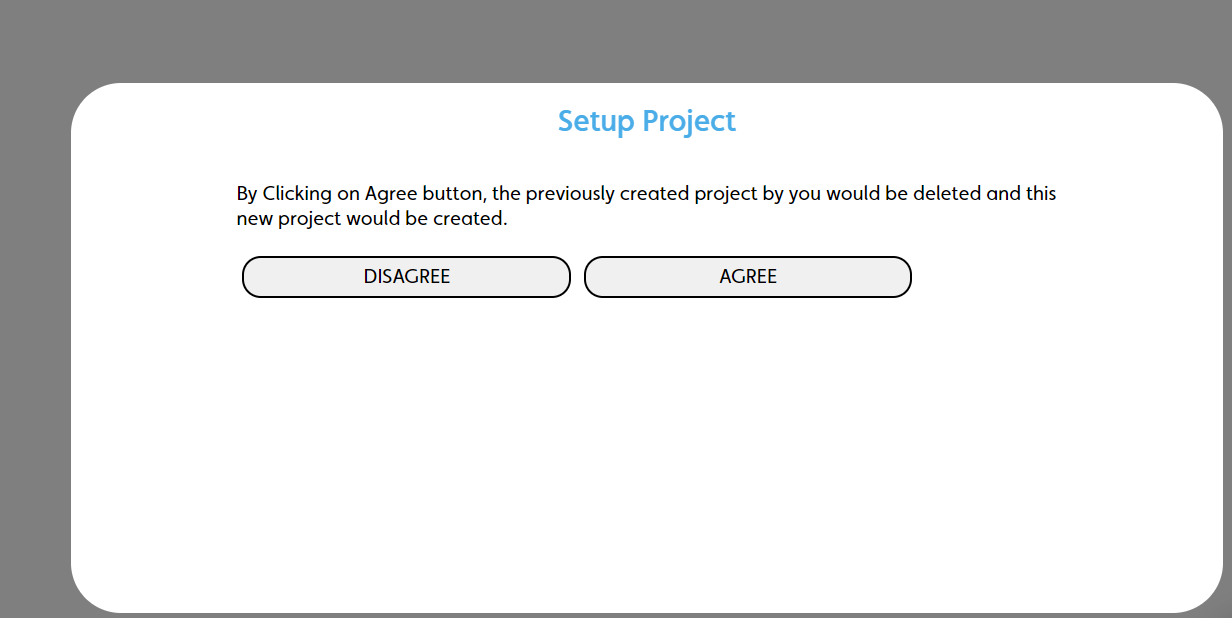
If you create a new project but already have an existing project, a pop-up dialog displays–to delete your existing project and create a new one, click AGREE.
Figure: AGREE button that creates a new project and deletes the existing owned project
Source code reference
When a user clicks AGREE to create a new project and to delete their existing project as a result, the deletePreviousProject function calls in SetupProject.js. This function deletes only the project where the user id and created by id match and calls the IafProj.delete API to delete the project.
For more information, see the following source code reference with line-by-line descriptions:
deletePreviousProject function code
async deletePreviousProject() {
  const { projects } = this.props; //Reads the current projects
  this.setState({ isDeleting: true }); //Turns on isDeleting flag
  let user = await IafPassSvc.getCurrentUser(); //Gets current user
  try {
    if (projects !== undefined) {
      for (let i = 0; i < projects.length; i++) {
        if (
          projects[i]._metadata._createdById === user._id //Checks if the user id and created by id match, which identifies the user's owned project
        ) {
          console.log("Delete project:", projects[i]);
          await IafProj.delete(projects[i]); //Calls IafProj.delete to remove the project
        }
        else {
          console.log("Cannot delete invited project")
        }
      }
    }
  } catch (error) {
    console.log("Some items being deleted in the old project do not exist.")
  }
  this.setState({ isDeleting: false })
}