Home page
The home page is the default page that displays when a user logs in. The home page consists of a page layout and defined actions.
Figure: Home page
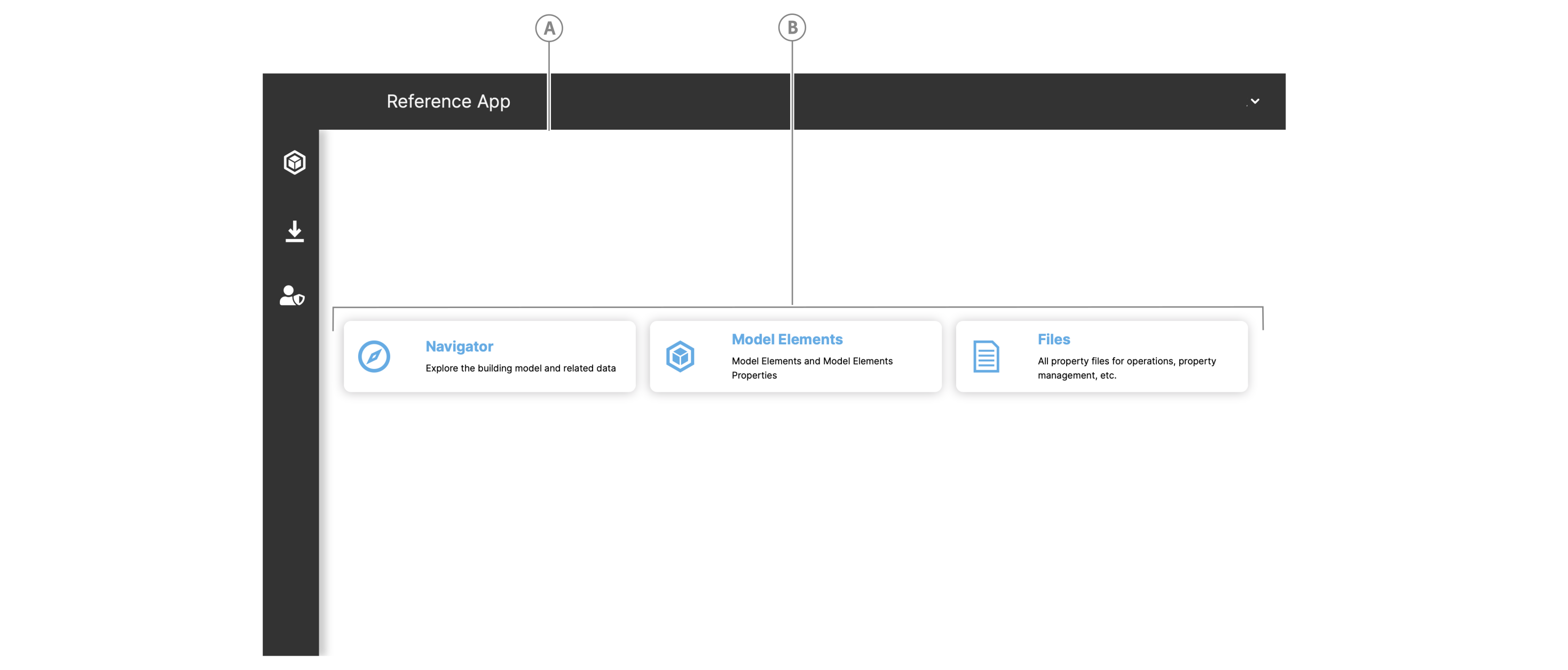
| Callout | Name |
|---|---|
| A | Home page layout |
| B | Home page action |
Layout
You can design the home page layout in a user config. The default layout in the ReferenceApp is a grid layout of three rows and three columns with the action buttons appearing across the middle column.
Actions
The home page contains actions, for example, buttons, that serve as shortcuts such as navigating to specific locations in the app. To add an action in a user config, see Home page handler actions